
It has been a rollercoaster for the last couple of days, sickness, my Microsoft account locking me out because the Microsoft Authenticator stopped working then having to contact Microsoft to try to get it all sorted – combine that with feeling like crap and having time off from work, yeah, it takes a toll. Long story short, I’m happy that I’ve finally been able to get it all sorted in the end and the big mistake I made was giving Microsoft a second chance after learning the hard way a couple of years ago when I made use of the Office 365 Business plan they had. Long story short, I finally got in contact with someone at Microsoft, cancelled the Microsoft 365 Exchange Online Plan 2, set the DNS settings up to point to Google Workspace and I’ve got back with the tried and true service that has never steered me wrong. I also cleaned up the 2FA for all my other accounts just to avoid this sort of issue in future but so far I’m pretty happy with the outcome of moving from a Mac to a Microsoft Surface Laptop (with an ARM processor).
Here are some unpacking photos of the laptop – quite a chunky box it came in and when you pick up the laptop it definitely feels substantial.
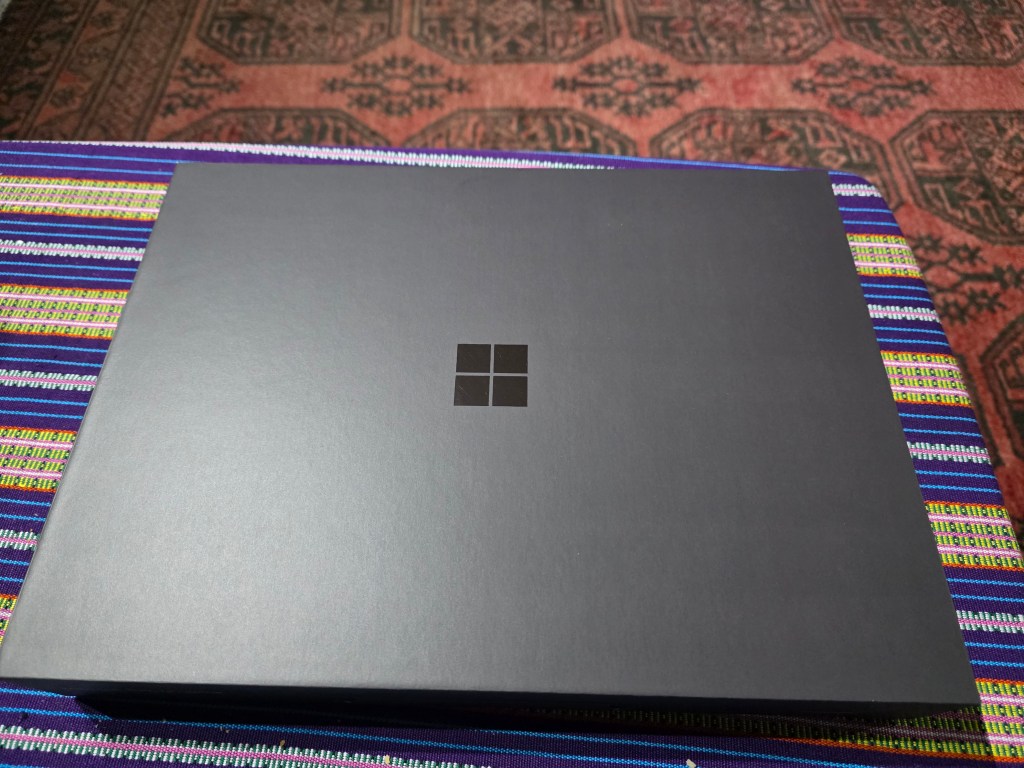
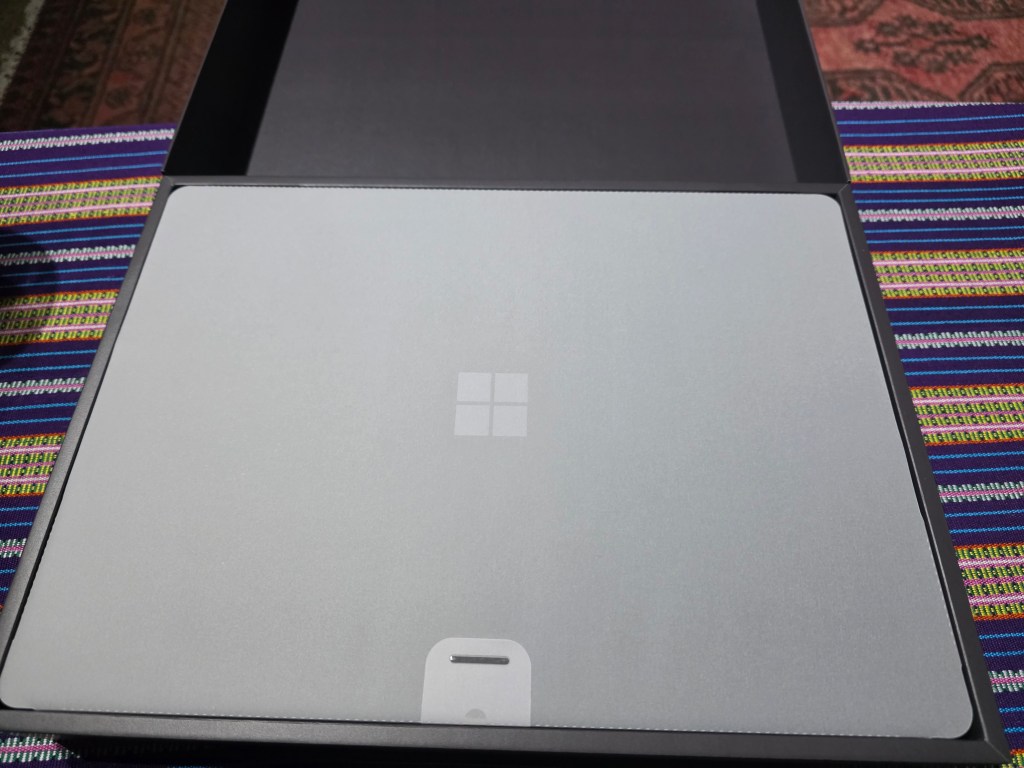
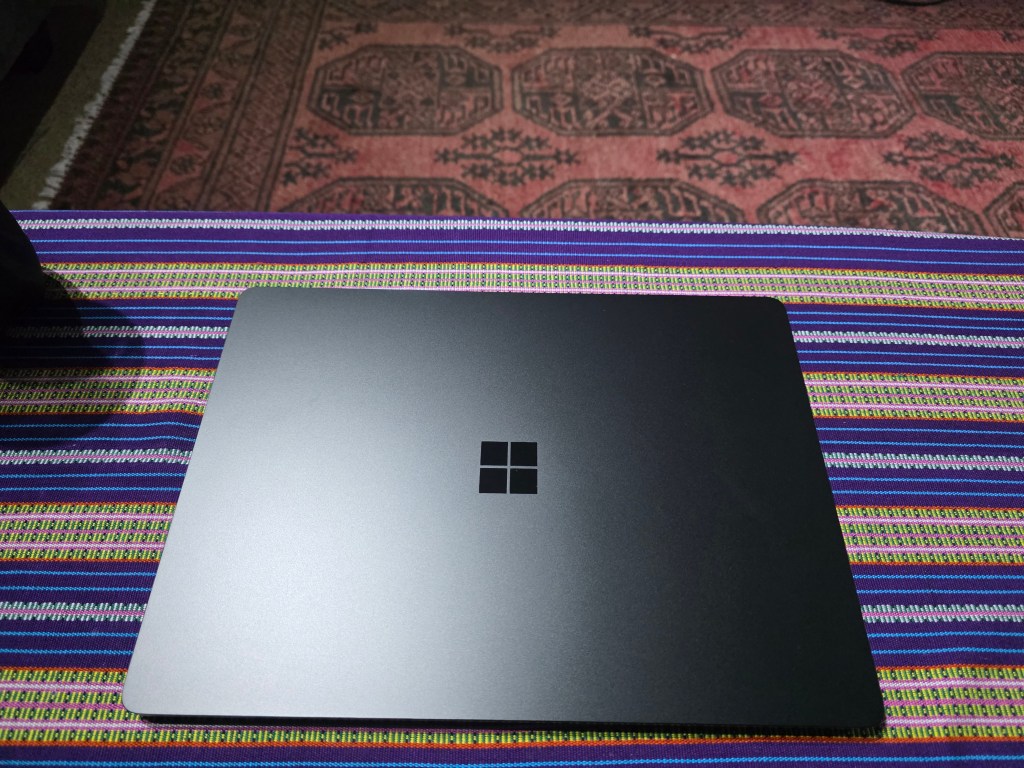
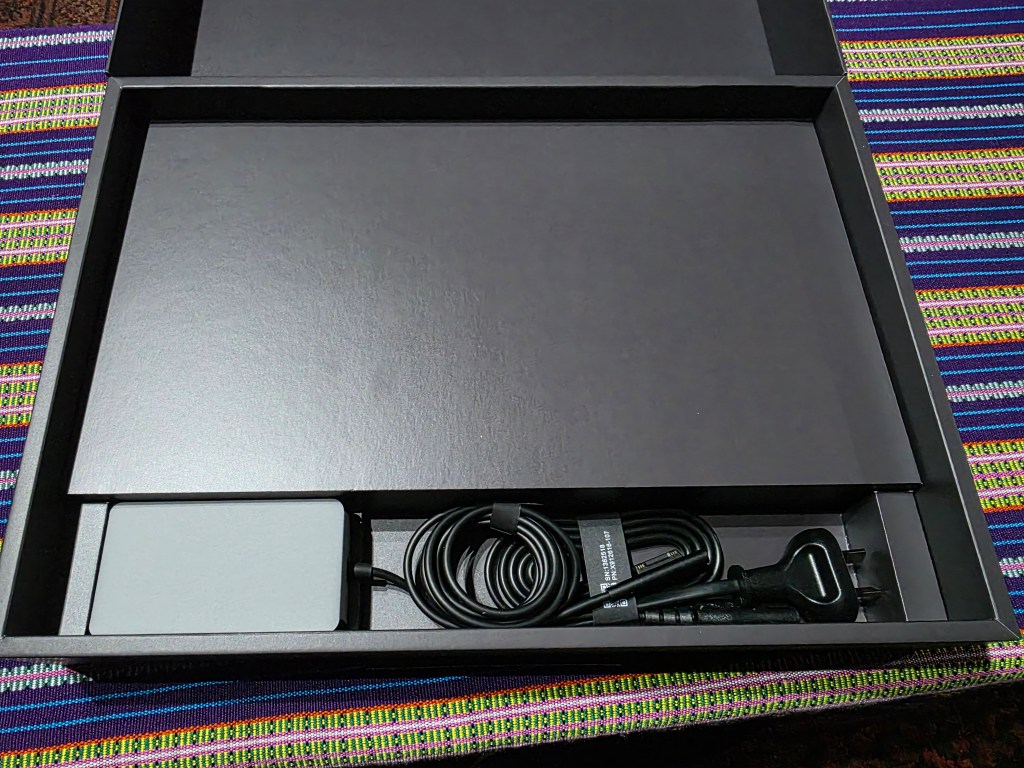
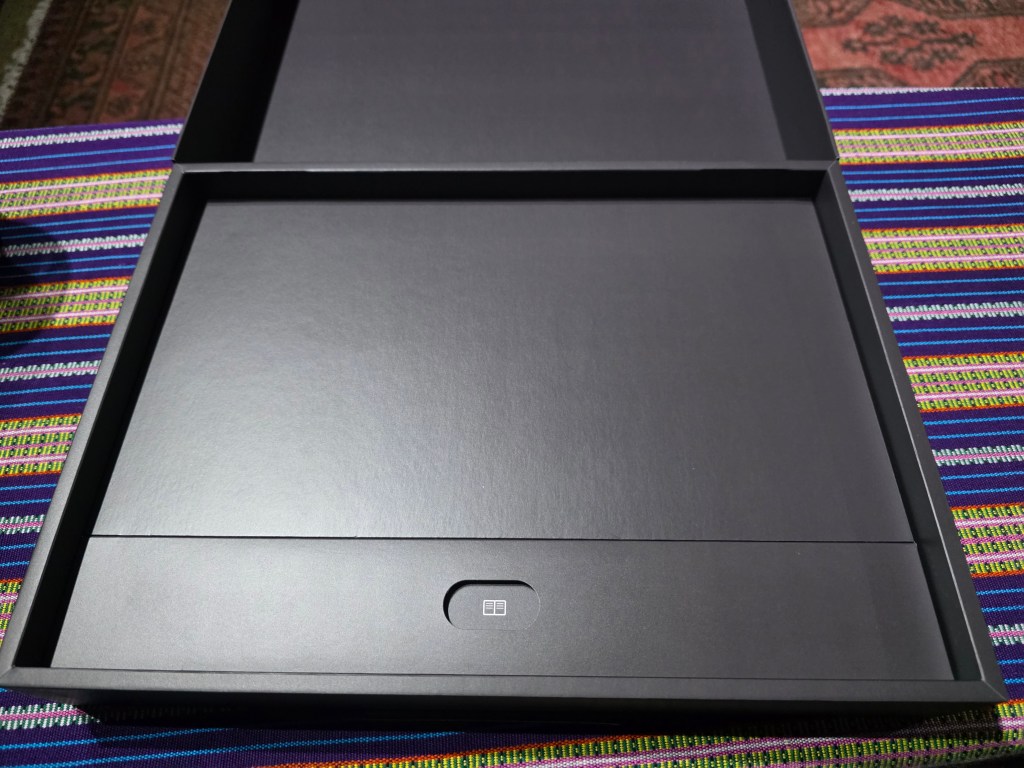
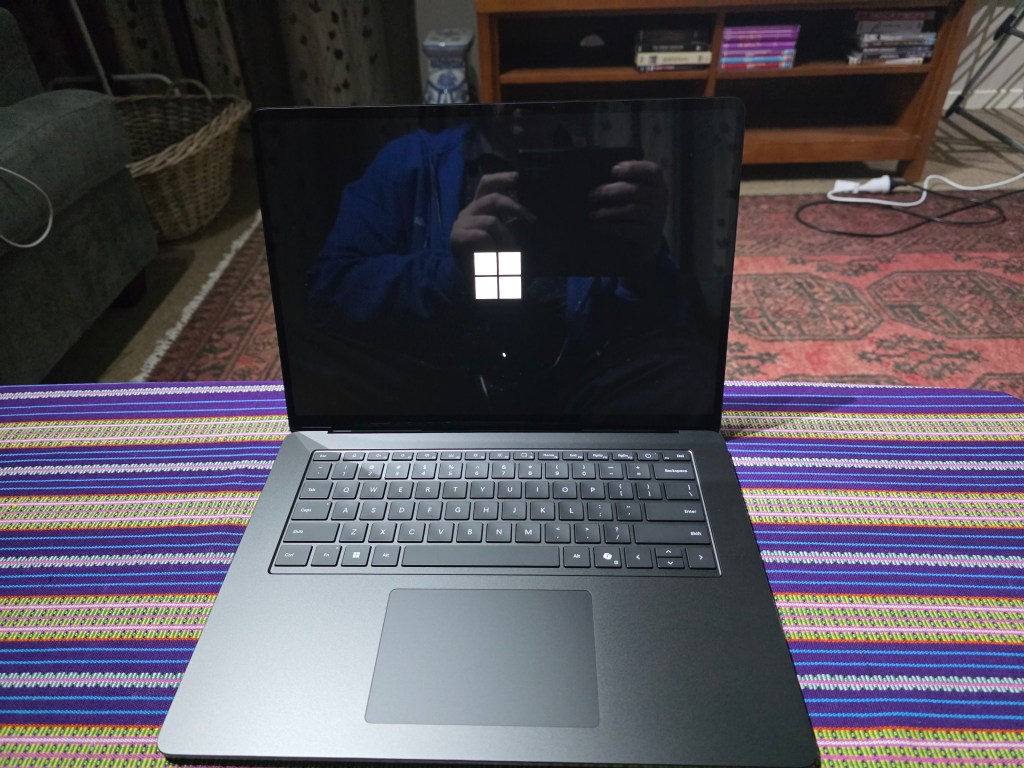
I’ve set it up and it is linked against my Outlook.com account but like Apple iCloud it is only used for buying applications – nothing is stored and I have uninstalled OneDrive and instead installed Google Drive (which is now ARM64 native). Although I gave Microsoft Edge a try I decided that for the sake of my sanity that I’ll stick with Chrome due to the better integration with Android and the password manager doesn’t appear to have the same quirks that I found with Microsoft Edge wanting to duplicate entries for both the website and the app in the password manager.
An Outlook.com account is also required for the Phone Link (I’m assuming that the cloud sits are an intermediary between the computer and phone rather than manually setting up the phone to work with a specific computer vs just having all the devices logged in and Microsoft acting as a traffic cop) for someone like me one of the biggest strengths from Apple was the ecosystem of hour easily everything works together and Microsoft has successfully delivered that.
Another benefit is the ability to wirelessly copy music from your computer to the phone – gone of the days of dealing with MTP and it’s slow copy speed. Once setup it appears in File Explorer and you can drag and drop the files to the phone which makes use of the Wi-Fi network that both devices are on. I’m fairly impressed regarding how far Microsoft have come when it comes to Windows 11 given my past experience with Windows 10, 8.x, 7 and Vista always appearing to lack the sort of features that macOS had which bought their ecosystem together.
I’m going to setup my mum’s old NUC as a server and see how well it performs – it has 128GB storage and 8GB RAM but any sort of storage I’ll be using I’ll probably just hook it up via the USB port given that I’m more likely to stream music and videos rather than throwing around massive files. The monitor that came with it is completely wrecked – it is over 15 years old and worn out so what I’m going to do is drop it down to the local ewaste depot along with some other old electronic stuff so that it can be disposed off responsibly. I generally don’t like to throw out something if I can reuse it for something else or I can sell it so that someone else can find a use for it and I get a few dollars for my troubles.
 Matisyahu's Blog
Leave a comment